Military-Grade Encryption
Industry-leading encryption standards encapsulate every data byte against interception or tampering.
QuickQ is a global AI-powered network accelerator with intelligent routing that automatically selects optimal routes and dynamically adjusts network paths. Effectively reduce cross-border latency and connection drops.
QuickQ's AI router engine continuously monitors global node health — latency, packet loss, and bandwidth — and dynamically selects the optimal path in real time.
Real-time monitoring of global node latency, packet loss, and load.
Intelligent algorithm evaluates candidate routes and outputs the best connection.
Continuous post-connection monitoring with seamless failover switching.
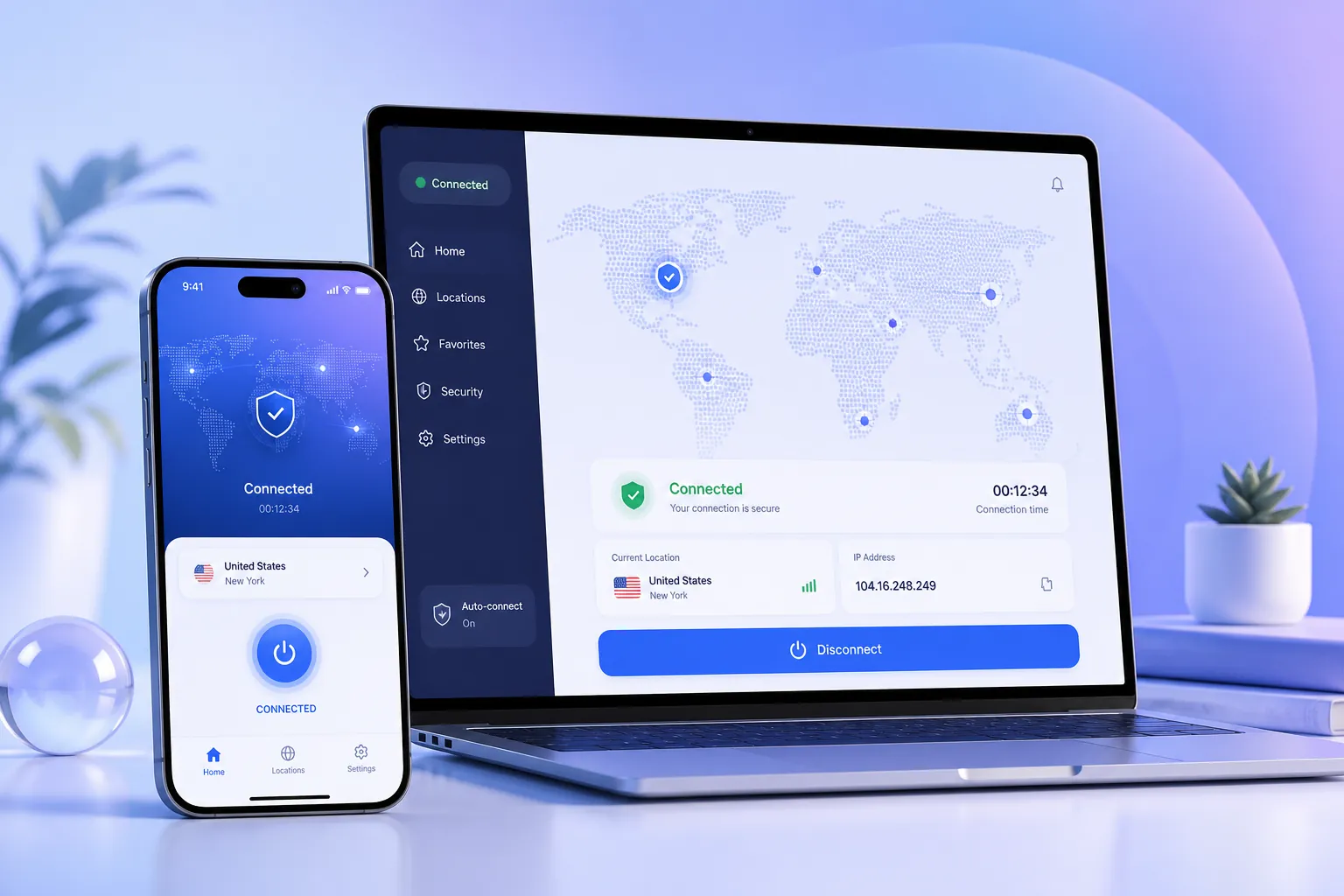
QuickQ clients cover Windows, macOS, Android, and iOS — lightweight, install-and-go, with cloud-synced preferences.

QuickQ clients are not just network entry points — they are smart proxy assistants with one-click acceleration and customizable preferences.
QuickQ's AI engine continuously optimizes every route — verified with real-world metrics.

QuickQ's AI learns your usage patterns — frequently visited regions, app types, and preferred connection windows — to build a personalized network profile that improves over time.
QuickQ uses high-strength encryption to protect your data on public and mobile networks.
Industry-leading encryption standards encapsulate every data byte against interception or tampering.
We do not record, store, or track your browsing activity — privacy is protected at the source.
Additional security layers prevent man-in-the-middle attacks on untrusted networks.
Independently maintained IP pool with regular cleaning to reduce interception and CAPTCHA frequency.
Millisecond-level secure switching when routes degrade — no interruptions, no data exposure.
One account covers computers, phones, and tablets with identical encryption protection.
Massive node network, AI-optimized routing, full cross-platform support, and high-strength encryption — one account for 3 devices.
More answers available in the help center.
QuickQ provides clients for Windows, macOS, Android, and iOS. Routers and smart TVs can also be connected via shared connections.
A subscription account supports up to 3 devices online simultaneously, and you can switch devices at any time.
Yes. You can turn off auto-renewal before the subscription expires, and the service remains available for the current billing cycle.