Download QuickQ,
Let AI Route the Way
AI-powered intelligent proxy client that automatically matches global optimal nodes, syncs multiple devices, and delivers high-speed stable networking. Supports Windows, macOS, iOS, Android, and Linux — one account for up to 3 devices simultaneously.
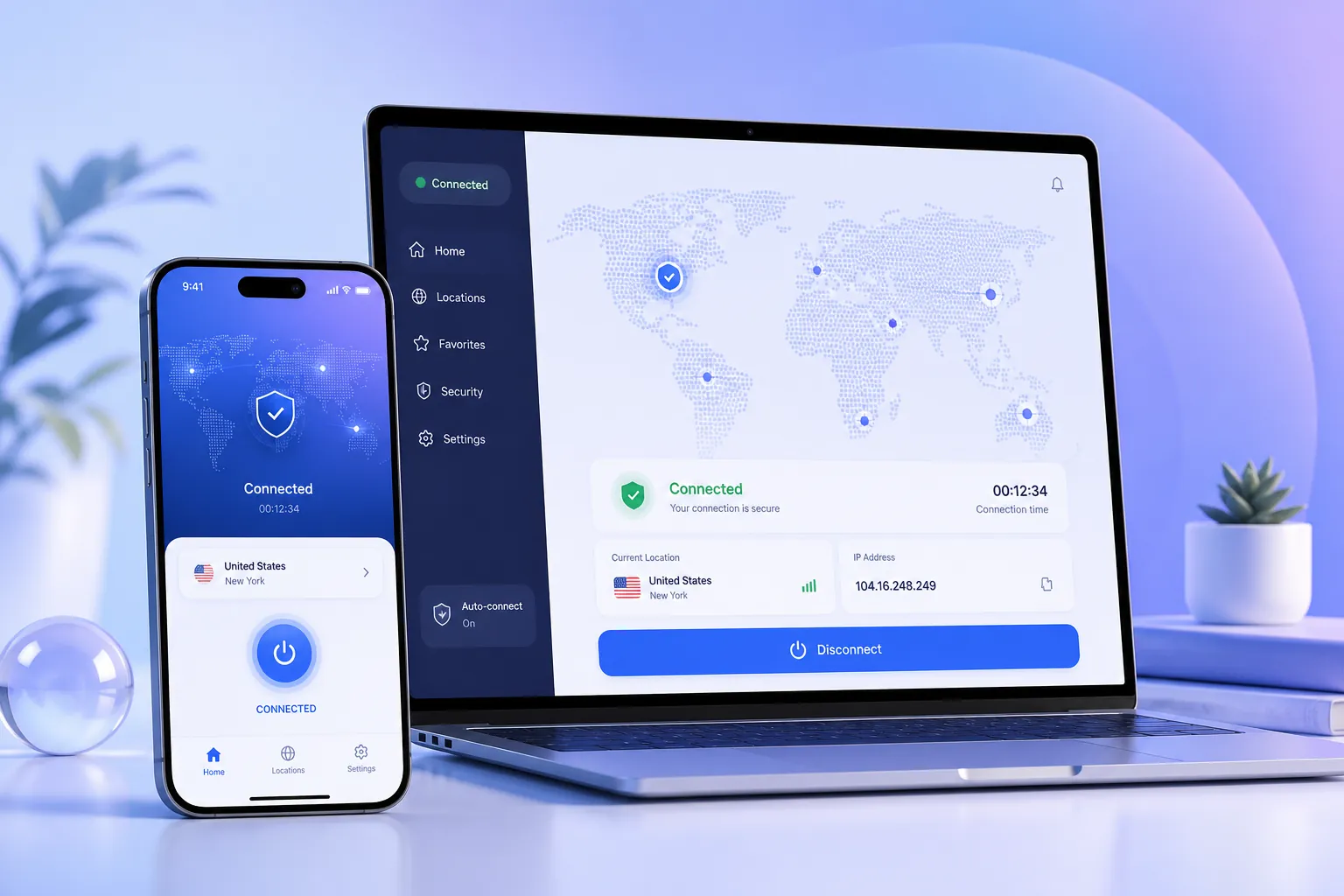
All-Platform Installers, One-Click Download
Select your device system and QuickQ download starts immediately. All installers are signed and virus-scanned.
Global Smart Nodes, Within Reach
QuickQ has deployed over 1,000 smart nodes across 60+ countries. AI matches you to the best route wherever you are.

Unsure which version? Let AI help you choose
QuickQ's AI assistant recommends the best client version based on your device and usage habits.
Tell AI your device
Select your OS and AI identifies the appropriate version.
AI analyzes needs
Based on your scenarios (streaming, gaming, work), AI matches the best route configuration.
Get personalized link
One-click generates the ideal installer link — download and go.
Scan QR, Install Instantly
Scan with your phone to jump to the download page or app store. No manual URL entry needed.
 Android
 iOS
iOS
Mobile-Optimized
QuickQ mobile clients are deeply optimized for touch screens, with one-click connect, smart node switching, and traffic stats. Install directly via browser (Android) or App Store (iOS).
- 🔹 Supports Android 6.0+
- 🔹 Supports iOS 12.0+
- 🔹 Small package size saves data
Install in Three Steps, Start Accelerating
QuickQ installation is extremely simple — average time from download to connection is under 60 seconds.
Download Installer
Select your platform above and click download. Files are small and fast.
Run Installation
Double-click the installer and follow prompts. QuickQ bundles no extra software.
Log In & Connect
Log in with your QuickQ account and click "One-Click Accelerate". AI routing instantly selects the optimal path.
Download Safety, We Layer Checks
All QuickQ installers undergo strict security scanning and digital signing to ensure clean, reliable copies.
We recommend downloading QuickQ only from quickgmvpn.com.cn official channels.
Download FAQs
More installation and usage questions in the help center.
Which operating systems does QuickQ support?
QuickQ provides clients for Windows, macOS, Android, iOS, and Linux. One account supports up to 3 devices simultaneously.
Is the QuickQ client free to download?
Yes, the QuickQ client is completely free to download. New users receive a free trial without needing to enter payment information.
How do I install QuickQ?
Download the appropriate installer from the official website, run it, and follow the prompts. Installation takes seconds. Log in to start using.
Are the installers safe?
All installers are digitally signed and virus-scanned, ensuring no malware or unwanted plugins. We strongly recommend downloading only from official channels.
How do I download on mobile?
Android users can download the APK directly; iOS users can scan the QR code to go to the App Store. You can also search "QuickQ" in the app store.