One Account,
All Devices Synced
QuickQ multi-device support covers Windows, macOS, Android, iOS, Linux, routers, and smart TVs. One account supports up to 3 devices simultaneously with cloud-synced configuration — no need to reconfigure when switching devices.
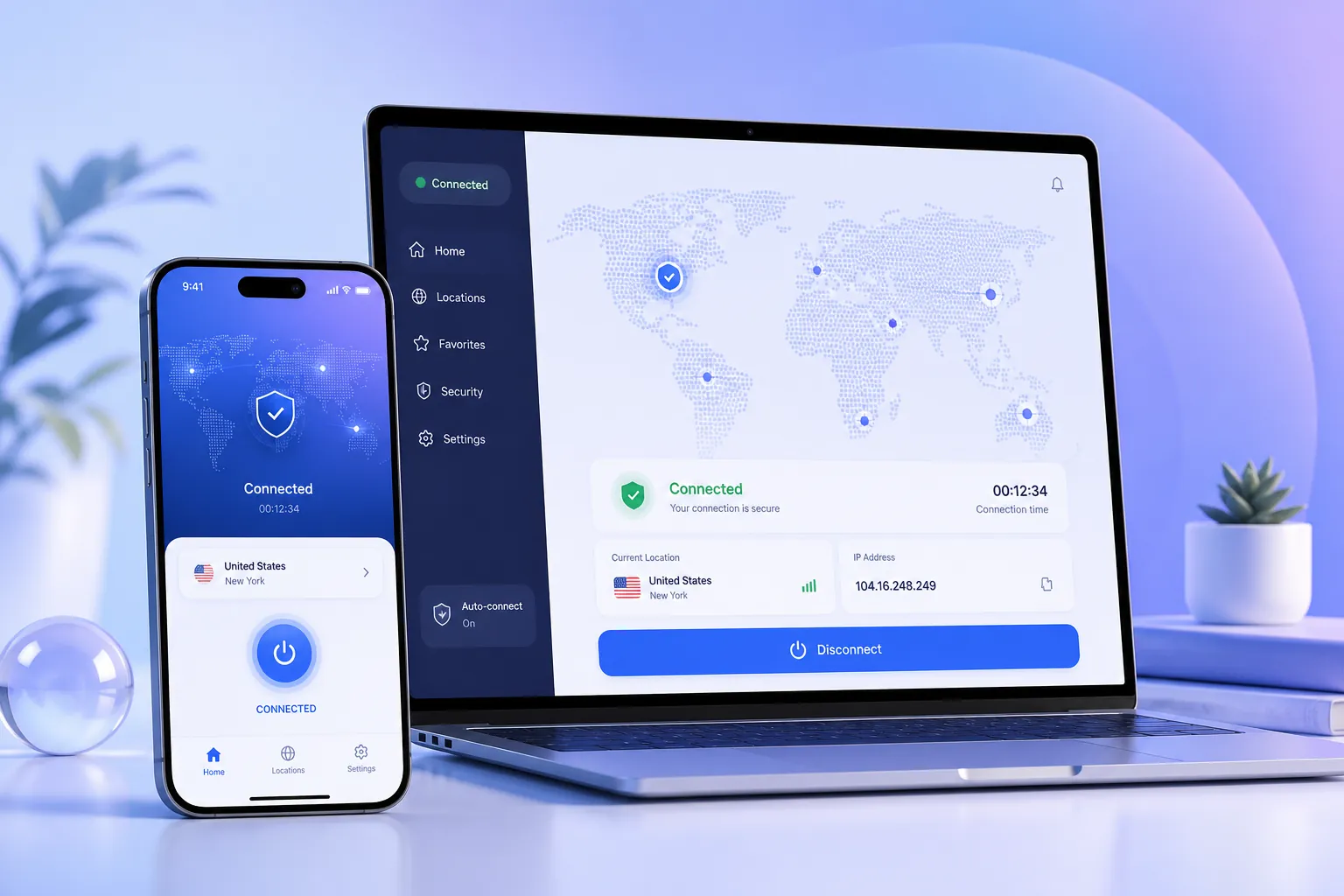
QuickQ Works on Every Device You Own
From desktop to pocket, from living room to study, QuickQ provides consistent high-speed encrypted connections on all mainstream devices.
Windows
Win10/11 Client
macOS
Apple Silicon/Intel
Android
Phones & Tablets
iOS
iPhone & iPad
Linux
Deb/RPM Packages
Router
Whole-Home Sharing
Cloud Roaming, Zero-Cost Switching
Sign in with the same QuickQ account and your preferences, favorite nodes, and acceleration modes sync automatically to every device.
Cloud Config Sync
Change settings on any device and others update automatically — no repeated operations.
Quick Device Switching
3 devices online simultaneously, with easy management and switching in the client.
Uniform Encryption
Every device gets the same high-strength encryption and privacy isolation.
Smart Routing Shared
AI smart routing policies apply consistently across all devices for optimal connection.
Not Just Computers and Phones
QuickQ can also be shared through routers and smart TVs, accelerating every device in your home.
📡 Router Access
Configure the QuickQ proxy in your router's admin panel and all devices on the network share acceleration without installing individual clients.
- Supports mainstream router firmware
- One-time setup, whole family benefits
- Smart TVs and game consoles automatically connect
📺 Smart TV Acceleration
Via router sharing or direct TV app installation, enjoy smooth streaming of overseas content and live channels.
- High-definition video without buffering
- Stable live channel connections
- Works with Apple TV and Android TV
Accelerate All Your Devices Now
Download the QuickQ client, sign in, and switch freely between phone, computer, and tablet.
Multi-Device FAQs
More device configuration questions in the help center.
Which devices does QuickQ support?
QuickQ supports Windows, macOS, Android, iOS, Linux clients, and can also be used with routers and smart TVs via shared connections.
How many devices can one QuickQ account connect simultaneously?
A subscription account supports up to 3 devices online at the same time, and you can switch devices at any time in the client with automatic configuration sync.
How do I connect a router to QuickQ?
Configure the QuickQ proxy parameters in your router's admin panel to share acceleration with all devices on the network. Please refer to the router setup guide in the help center for detailed steps.