Make large model conversations
no longer wait
Deeply customized for ChatGPT, Claude, and other frontier AI tools. QuickQ AI smart acceleration uses dynamic routing technology to effectively reduce API call latency and connection drop rates.
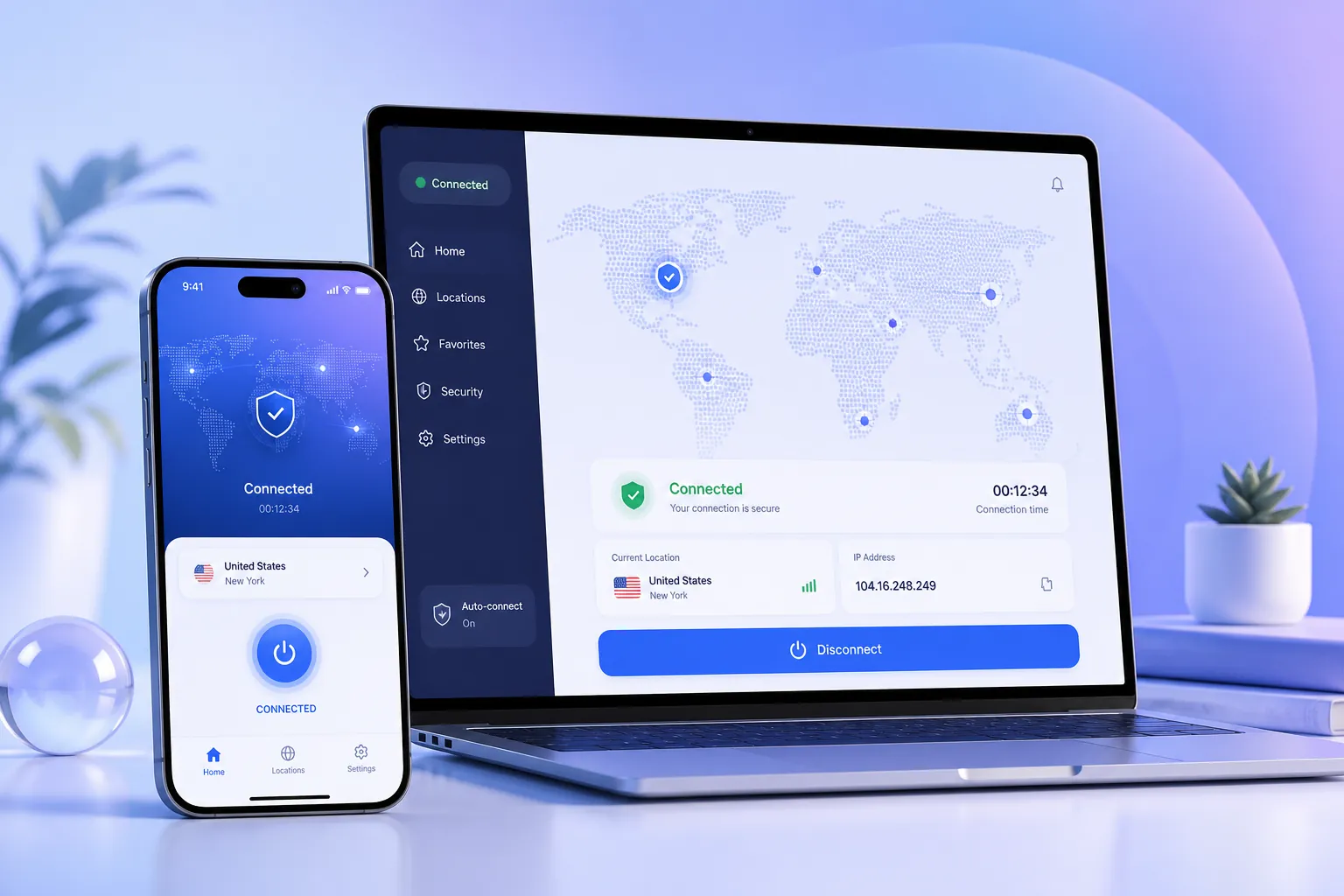
How Dynamic Routing Accelerates AI Tools
QuickQ has designed an intelligent routing engine specifically for AI services, analyzing data paths in real time and selecting the fastest, most stable connection.
AI Routing Brain
Built-in deep learning models predict network congestion and switch to backup routes in advance, keeping API requests on the optimal path.
Dynamic Link Selection
Monitors thousands of node states per second, automatically avoiding high-latency, high-loss links to provide a clean channel for AI conversations.
Clean IP Resources
Independently maintained IP pool with regular cleaning to reduce risk of AI service interception and CAPTCHA, ensuring stable connections.
Dedicated Optimization for Major Models
Different AI services use different protocols and nodes. QuickQ has custom strategies for ChatGPT and Claude.
ChatGPT Optimized
Whether web chat or API calls, QuickQ provides low-latency connections, reducing "network error" and timeouts.
- Dedicated direct lines to OpenAI clusters
- Optimized long connections and streaming responses
- Reduced CAPTCHA frequency
Claude Optimized
Routing strategies adjusted for Anthropic's architecture, improving API stability and response speed — ideal for long-term research projects.
- Exclusive lines for long-text generation
- Intelligent avoidance of rate-limit periods
- Auto-switching across multiple regional nodes
Ideal for Developers & Researchers
Highly stable, clean cross-border access for AI development, model calls, and data analysis, boosting productivity.
API Friendly
Standard REST calls, seamless integration with OpenAI SDK.
Clean IP Pool
Dedicated IP resources avoid bans from shared IPs.
Seamless Failover
Automatic route switching without interrupting AI tasks.
Transparent Traffic
Real-time connection status and traffic usage for cost management.
AI Acceleration Performance
Based on real-world data from 1000+ nodes, QuickQ significantly improves AI tool responsiveness.
Three Steps to Access QuickQ AI Routes
No complex configuration — even individual developers can set up in minutes.
Download & Install
Download the QuickQ client from the official website for Windows, macOS, Linux, etc.
Select AI Smart Mode
After login, click the "AI Boost" icon and the system automatically enables routing optimized for AI tools.
Start Using AI Services
Access ChatGPT, Claude, or call APIs directly with low latency and high stability.
Make Every AI Call Faster
Join QuickQ and enjoy dedicated acceleration routes for ChatGPT, Claude, and more.
AI Acceleration FAQs
More technical details in the help center.
Which AI tools does QuickQ AI acceleration support?
QuickQ AI acceleration is optimized for ChatGPT, Claude, Gemini, and other mainstream AI tools, while remaining compatible with other API services.
How much latency reduction can AI acceleration achieve?
On average, QuickQ AI routes reduce API call latency by 40%-60% depending on node location and network environment, significantly reducing connection interruptions.
How can developers use QuickQ for AI development?
Download the QuickQ client, log in, and select the 'AI Smart' mode. The system will automatically optimize routes to AI service providers. Developers can also use API keys for programmatic calls.
Does QuickQ AI acceleration affect data security?
No. QuickQ uses high-strength encryption and does not record or store your AI usage content. It only optimizes the network connection path, protecting your privacy.